🎨 Handsome Red-Haired Character Papercraft — Free Pixel
Free pixel papercraft of a handsome red-haired character with retro charm. Try a hero pose, city street, knight look, desk portrait or night neon — copy any prompt.
A handsome red-haired character in the pixel style — clean 8-bit edges and a confident look that pops off the grid. Made with koPaper’s free AI papercraft generator.
Ways to take this further
Hi! This character has presence. If you want a hero moment, describe “a pixel red-haired character in a confident hero pose with a cape fluttering behind”. For a city scene, try “the same character walking a retro pixel street with neon signs and storefronts”. A knight look — “a pixel red-haired character in shining knight armor holding a sword on a castle battlement”. Want a portrait? Go with “a close-up pixel portrait of the red-haired character with expressive eyes and detailed shading”. And for night neon, “a pixel red-haired character under glowing signs with rain and reflections on the pavement”.
Open the AI papercraft generator and paste any of these to see where the idea goes.
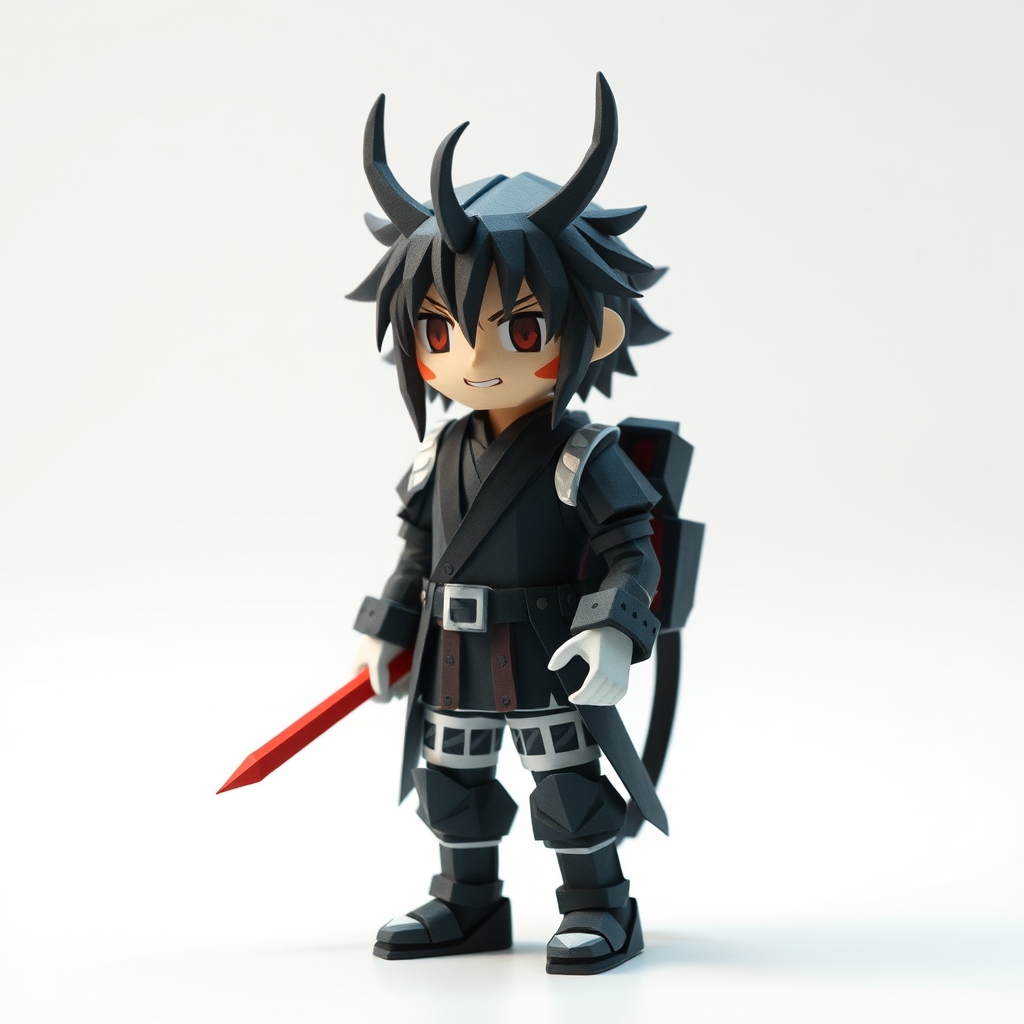
AI-generated pixel papercraft of a handsome red-haired character.
How to turn this design into a real paper project
Pixel characters are a fantastic first figure to make from paper: their blocky shapes translate into simple rectangles and squares, so you get a clean result even with basic cuts.
Materials you’ll need
- Cardstock or light cardboard (200-250 gsm) for the figure
- A cutting mat, craft knife, and metal ruler
- White glue or a glue stick
- A pencil, ruler, and colored markers for details
Step 1 — Simplify into blocks
Break the character into a head, torso, two arms, and two legs. Each becomes a flat rectangle or square panel. The pixel look actually helps here — every “pixel” is a natural guide for cutting.
Step 2 — Cut the silhouette
Draw each part on cardstock and cut it out. For crisp edges, cut against a metal ruler with a craft knife; for kids, safety scissors work fine on thin cardstock.
Step 3 — Add the face and details
Draw or glue on the face before assembly. Details are easier to add while the parts are flat — trying to draw on a standing figure is fiddly.
Step 4 — Build the stand
For a standing figure, add a small base tab at the feet, or fold a simple cardstock stand behind the figure. A 3-5 cm tab folded at 90 degrees is enough to keep most figures upright.
Troubleshooting
- Figure keeps falling over — widen the base tab or add a second tab at the back.
- Details look messy — use a thin marker and work on flat panels before gluing.
- Paper won’t hold a fold — score the fold line with the back of a knife before bending.
Want to design your own character instead? Open the AI papercraft generator and describe any person, hero, or creature — then try building it with the steps above.
Ways to pose and display your paper character
A single standing figure is a great start, but a few extra touches turn it into a display piece:
- Make a small scene — place the character beside a paper building, tree, or vehicle for a diorama feel.
- Add a ground line — a thin cardstock strip under the feet grounds the figure and hides the stand.
- Group a cast — build two or three characters in matching style for a mini lineup on a shelf or desk.
- Frame it flat — pin the flat panels to a card and frame them as pixel-art wall decor; no stand needed.
- Try different scales — a small 8 cm version and a large 20 cm version of the same character look great side by side.
For a polished finish, use a cutting mat and a sharp craft knife for the silhouette, then color the edges with a matching marker so no white card edge shows. If you want the figure to face different directions, cut the head and body as separate panels and attach the head with a small paper fastener so it can turn.
Frequently asked questions
Do I need a printer for these projects? No — you can draw the blocks freehand, or trace the character from your screen. How long does it take? A simple figure takes about 20-30 minutes once you have the materials. Can kids make this? Yes, with safety scissors and adult help for the craft-knife cuts.
Papercraft enthusiasts and AI engineers building beautiful papercraft designs. Every design is AI-generated and human-reviewed before publication. Learn more →
Make your own
- AI papercraft generator — turn any idea into a printable craft, then publish it here.
- Step-by-step origami tutorials — fold animals, flowers, and geometric designs.
- Free printable crafts — cards, gift tags, and paper craft sheets.
More from the Gallery
Bat Papercraft Design
Free lowpoly papercraft papercraft design of "bat" — AI-generated artwork with ready-to-use prompts to try next.
Bat In Flight Papercraft Design
Free lowpoly papercraft papercraft design of "bat in flight" — AI-generated artwork with ready-to-use prompts to try next.
Realist Bat In Flight Papercraft Design
Free lowpoly papercraft papercraft design of "realist bat in flight" — AI-generated artwork with ready-to-use prompts to try next.