Pixel Papercraft Generator
Generate pixel art papercraft
Blocky, retro forms for nostalgic game-inspired art. Describe an idea, pick the Pixel style, and generate a beautiful papercraft design for inspiration and creative exploration.
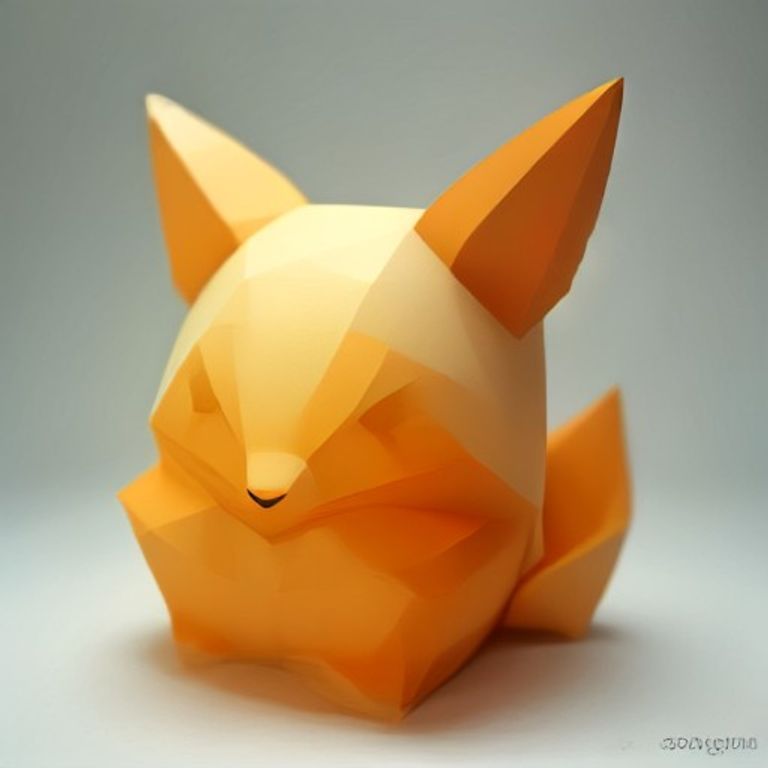
Turn any idea into papercraft
Type what you imagine, pick a style, and hit Generate Design.
Planning content elements…
Recent Pixel designs
Papercraft designs made with the Pixel generator — real examples of what this style looks like. Generate your own above and publish it to add to the collection.
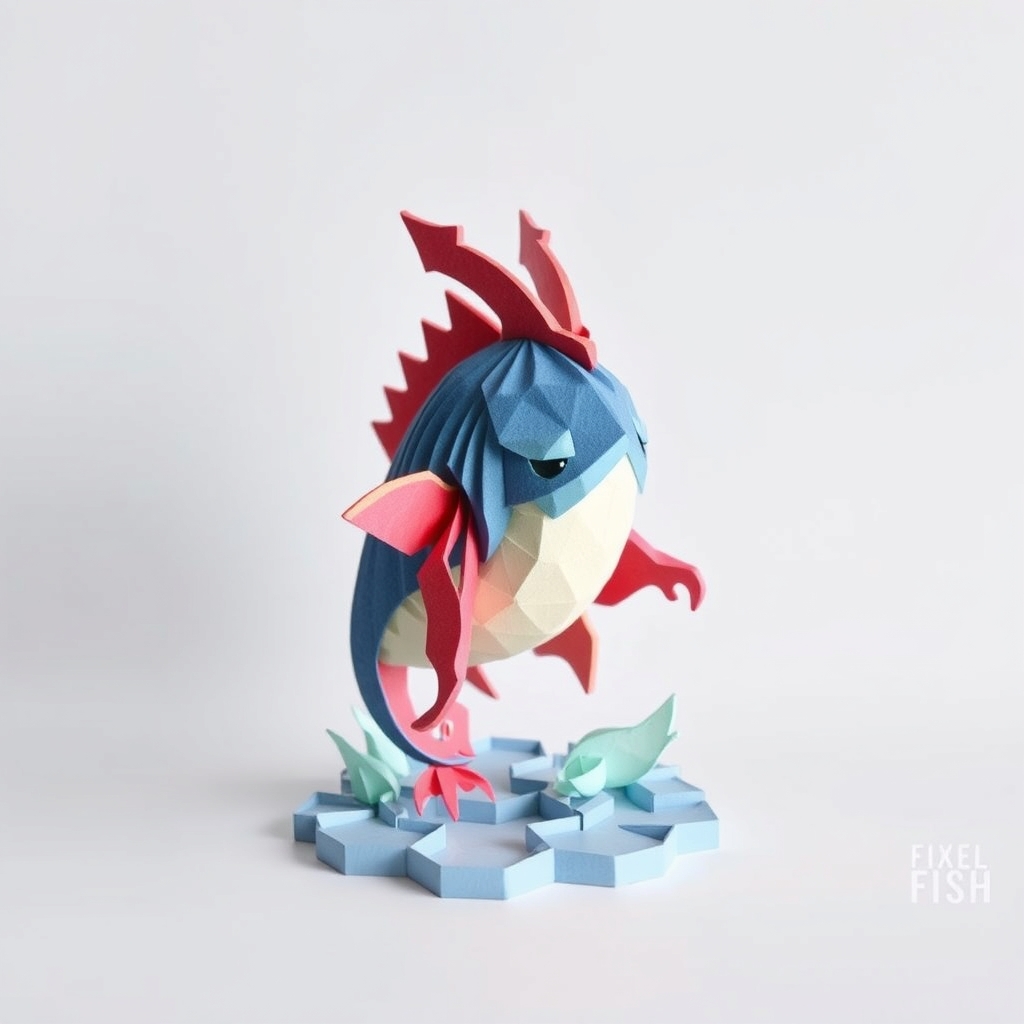
Flish Papercraft Design
Free pixel papercraft papercraft design of "Flish" — AI-generated artwork with ready-to-use prompts to try next.
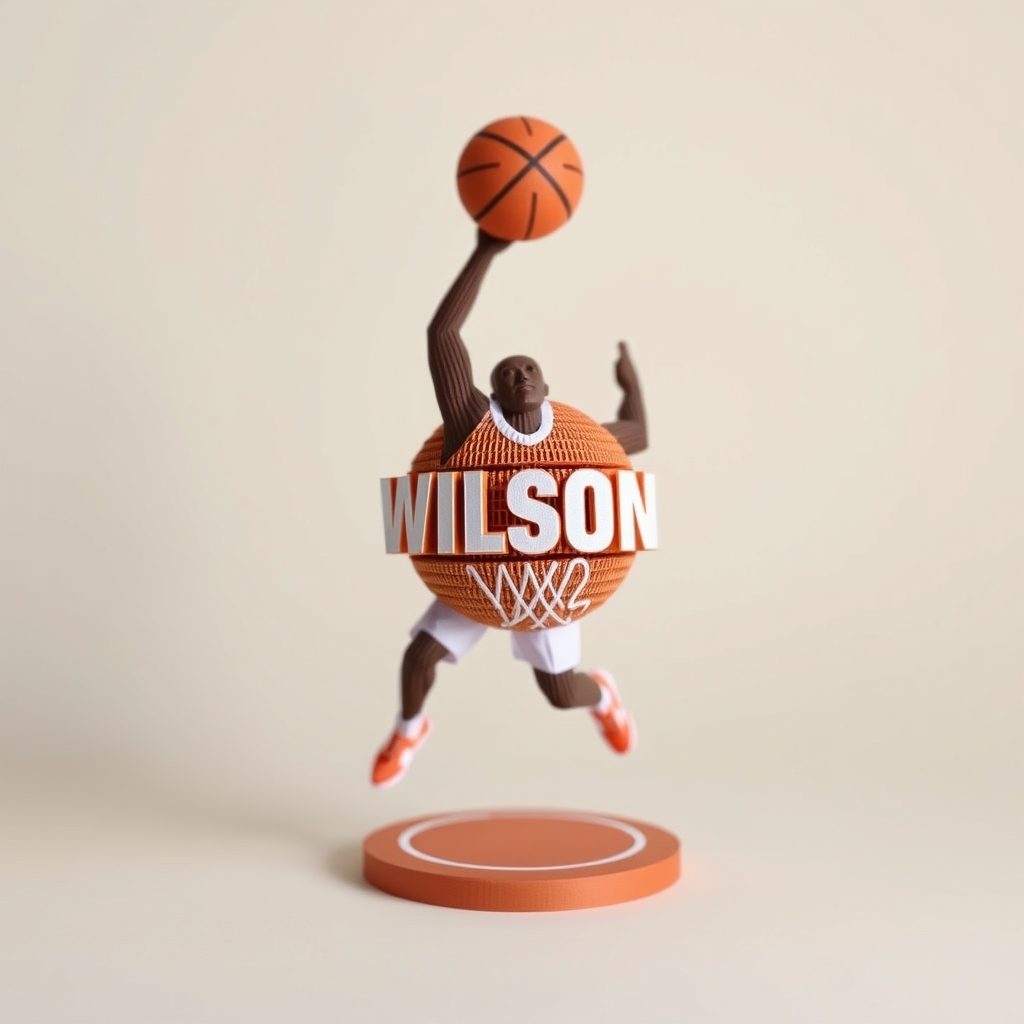
Classic Basketball Papercraft — Free Pixel Design
Free pixel papercraft of a classic basketball with retro edges. Try a bounce pose, court scene, tiny trophy, night game or mascot — copy any prompt.
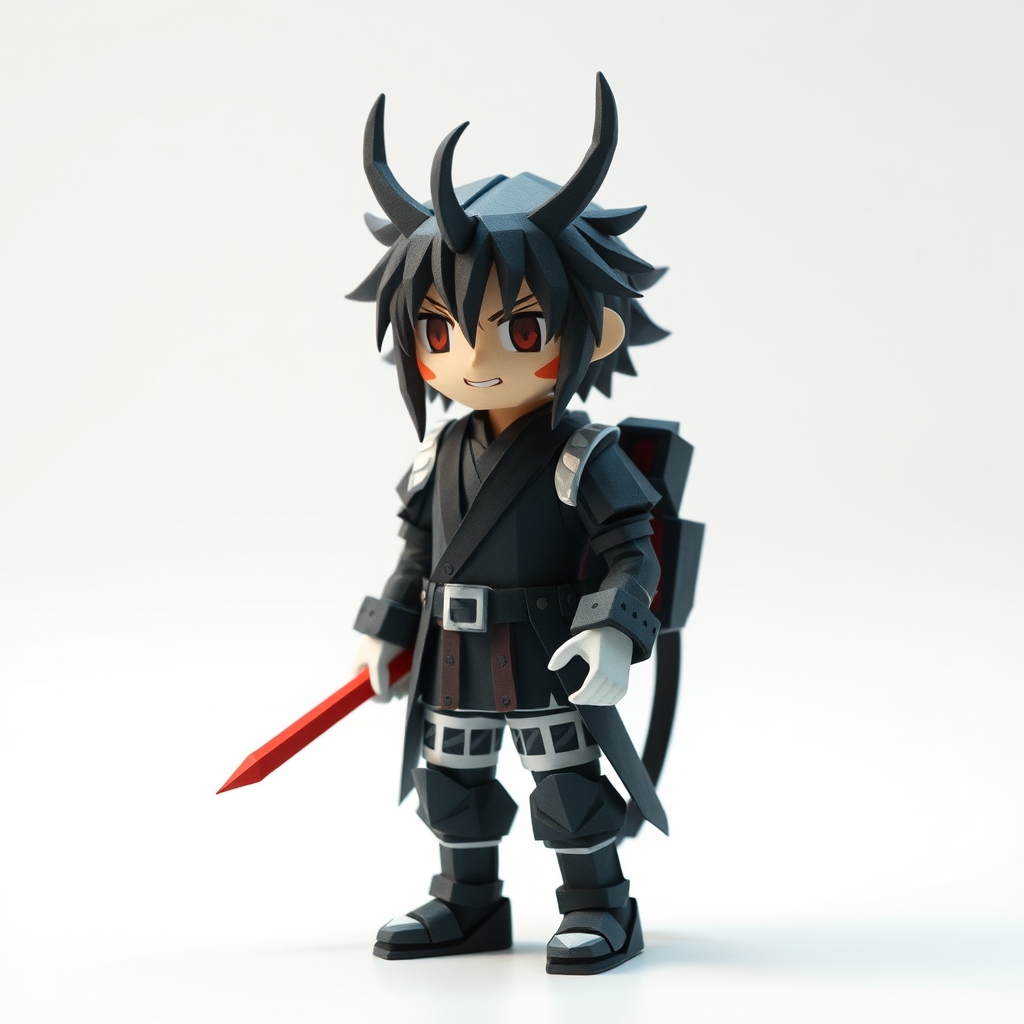
Handsome Red-Haired Character Papercraft — Free Pixel
Free pixel papercraft of a handsome red-haired character with retro charm. Try a hero pose, city street, knight look, desk portrait or night neon — copy any prompt.
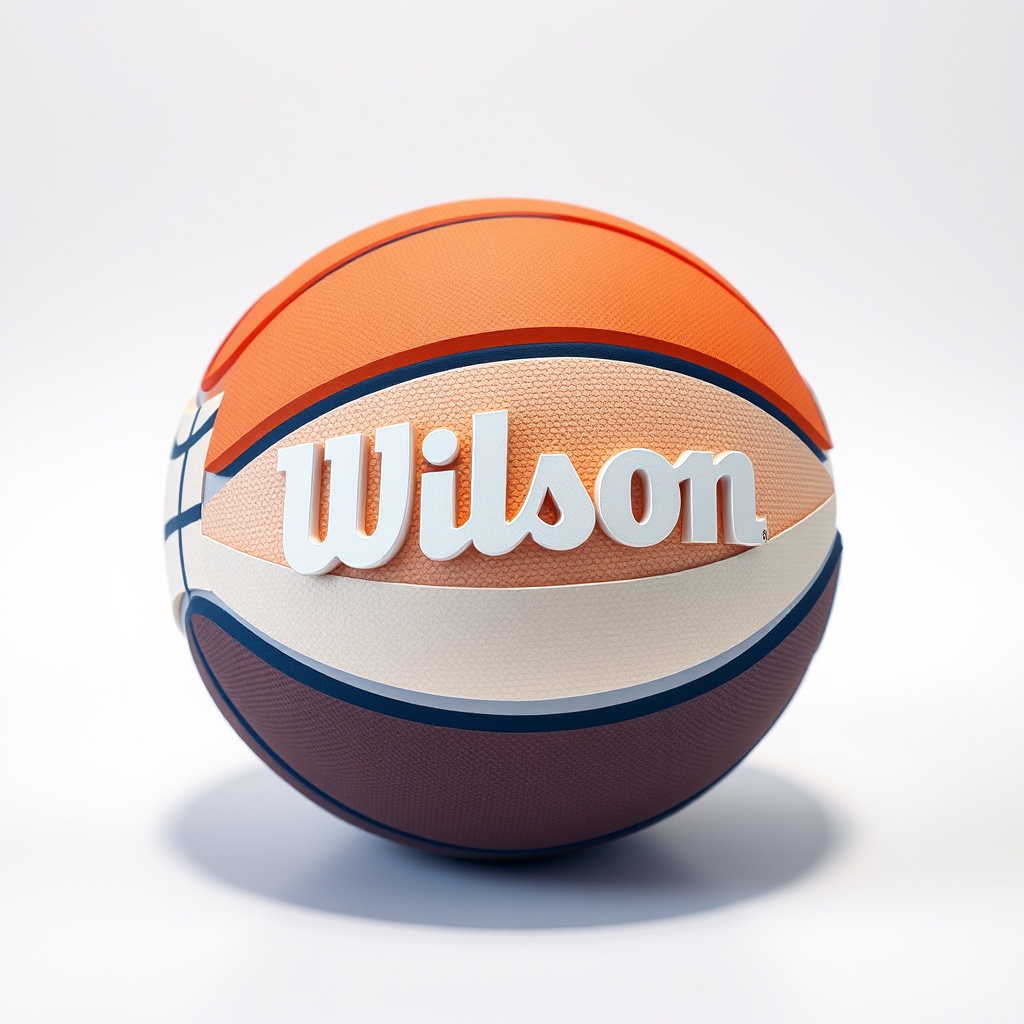
Pixel Basketball Papercraft — Free 8-Bit Design
Free pixel papercraft of a basketball with retro 8-bit charm. Try a slam dunk, court game, keychain, arcade glow or team mascot — copy any prompt.
Pixel Red-Haired Character Papercraft Design — AI Generated
AI-generated pixel character papercraft design. Papercraft-style artwork for inspiration, design reference, and creative exploration.
Standing Pixel Red-Haired Character Papercraft Design — AI Generated
AI-generated pixel character papercraft design. Papercraft-style artwork for inspiration, design reference, and creative exploration.
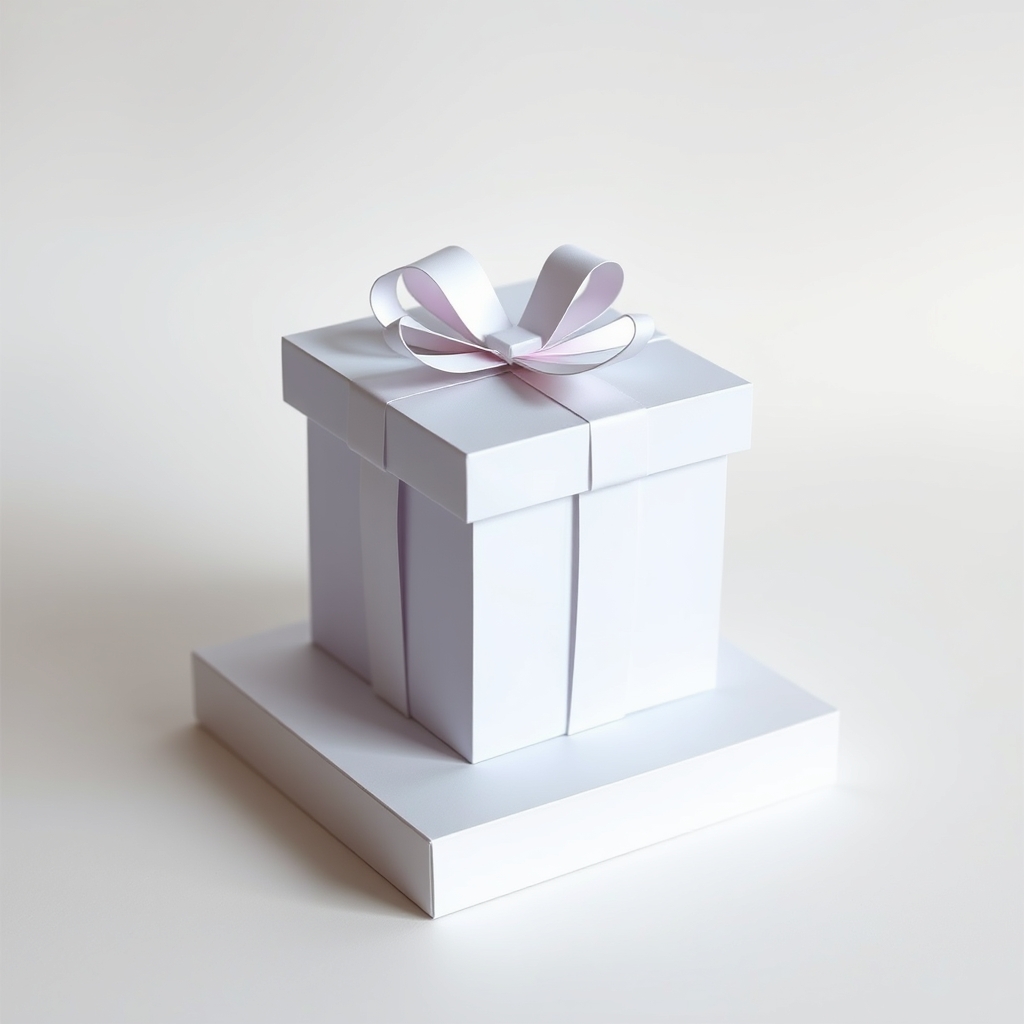
Gift Box Papercraft Design — AI Generated
AI-generated pixel object papercraft design of "Gift Box". Papercraft-style artwork for inspiration, creative exploration, and visual reference.
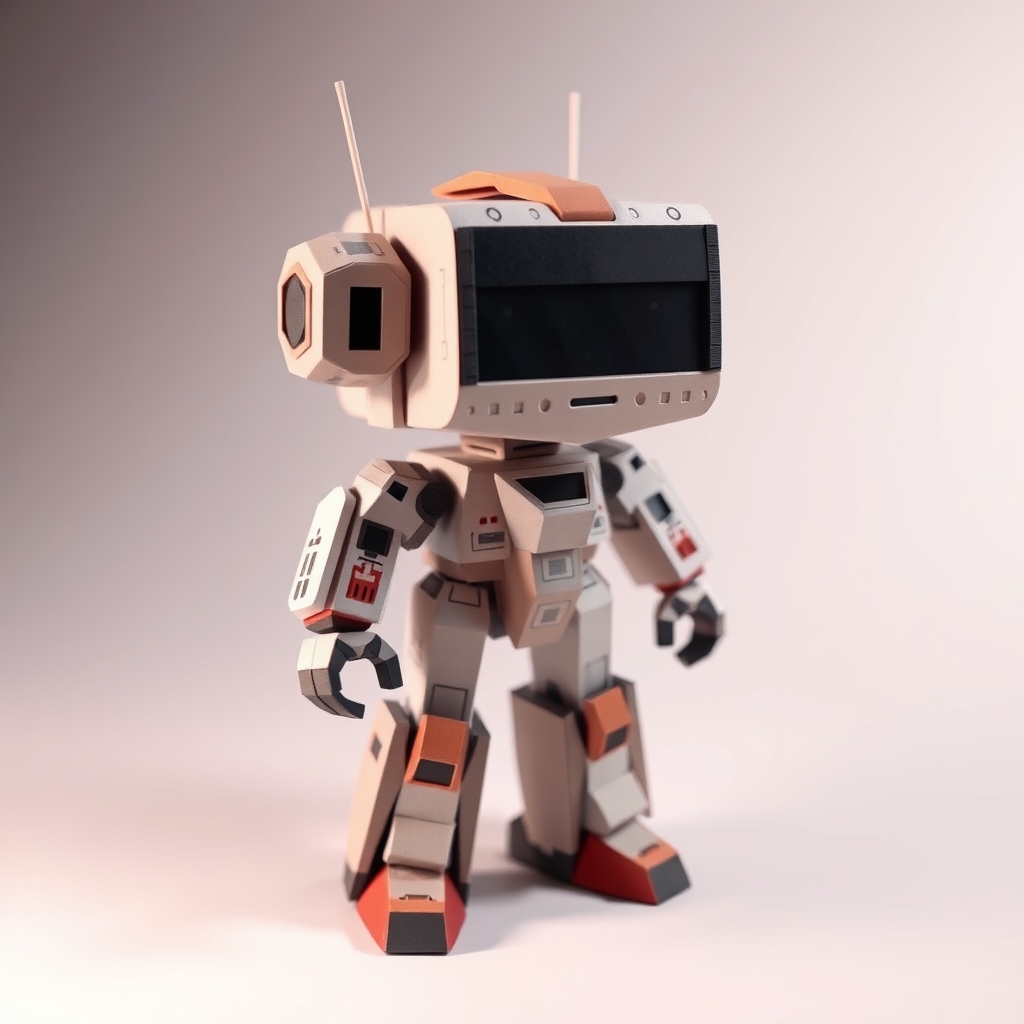
Robot Toy Papercraft Design — AI Generated
AI-generated pixel vehicle papercraft design of "robot toy". Papercraft-style artwork for inspiration, creative exploration, and visual reference.
What you can make in the Pixel style
The pixel papercraft generator is built for chunky 8-bit shapes — hearts, sprites, and retro icons. Tell it a pixel heart, a game character, or a blocky ghost, and it returns a retro papercraft-style design you can use for inspiration. Every design is original papercraft-style artwork with a nostalgic pixel look.
How to use a generated design
- Describe an idea above (or just press Generate for a suggestion), then pick your preferred style.
- Generate your papercraft design — the AI creates a unique papercraft-style artwork in seconds.
- Save your favorite designs for personal reference, inspiration, or creative exploration.
- Explore different styles and variations — the same idea renders differently in Cute, Low Poly, Pixel, or Fantasy.
Other styles to try
Want a different look? The same idea renders differently in Cute, Low Poly, or Fantasy. Browse them all on the papercraft generators hub.
Frequently asked questions
Is the pixel generator free?
Yes. Every pixel papercraft design is free to generate and download. No account required.
What file do I get?
You get a high-resolution papercraft design image, ready to save and reuse as inspiration.
Can I make 8-bit sprites?
Describe a heart, ghost, or game icon and the generator renders it as a retro papercraft-style artwork.
Pixel papercraft style, explained
The Pixel style renders your idea as an 8-bit inspired papercraft artwork — blocky forms, visible "pixel" facets, and a clean grid look that reads like a classic game sprite made from folded paper. It works best for subjects with strong silhouettes: hearts, ghosts, characters, fruit, retro icons, and anything with chunky geometry.
Example prompts that work well
- a pixel heart — the classic, great first try
- a blocky 8-bit ghost — clean silhouette, high contrast
- a pixel mushroom character — fun, instantly recognizable
- a retro game controller — great for gamer-themed projects
What the Pixel style is best for
Use Pixel papercraft designs for: game-night party decorations, classroom retro themes, YouTube thumbnails and channel art, sticker and badge inspiration, and low-poly-style room decor. Because the look is geometric and flat, pixel designs also translate well to card and poster layouts.
Pixel vs. other styles at a glance
| Style | Look | Best for |
|---|---|---|
| Pixel | blocky, 8-bit, grid-based | game themes, retro icons, chunky subjects |
| Cute | round, kawaii, soft | kids' crafts, gifts, friendly mascots |
| Low Poly | angular, geometric facets | architectural shapes, animals, modern decor |
| Fantasy | magical, luminous, ornate | castles, dragons, wizards, dream scenes |
Tips for better pixel results
- Keep your subject to one main object — crowded prompts blur the pixel look.
- Name a clear subject ("a pixel heart") before adding extras like colors or poses.
- Try the same idea in multiple styles to compare — each style changes the mood completely.
More frequently asked questions
Do pixel designs work as printable templates?
Pixel papercraft designs are inspiration artwork, not cut-and-fold templates. For printable sheet templates, see our free printables library.
Can I use a pixel design commercially?
Generated designs are for personal inspiration and creative exploration; commercial reuse of the generator output should be checked against our Terms of Service.
Does the generator run on my phone?
Yes — the pixel generator works in any modern browser on desktop and mobile, with no account needed.